
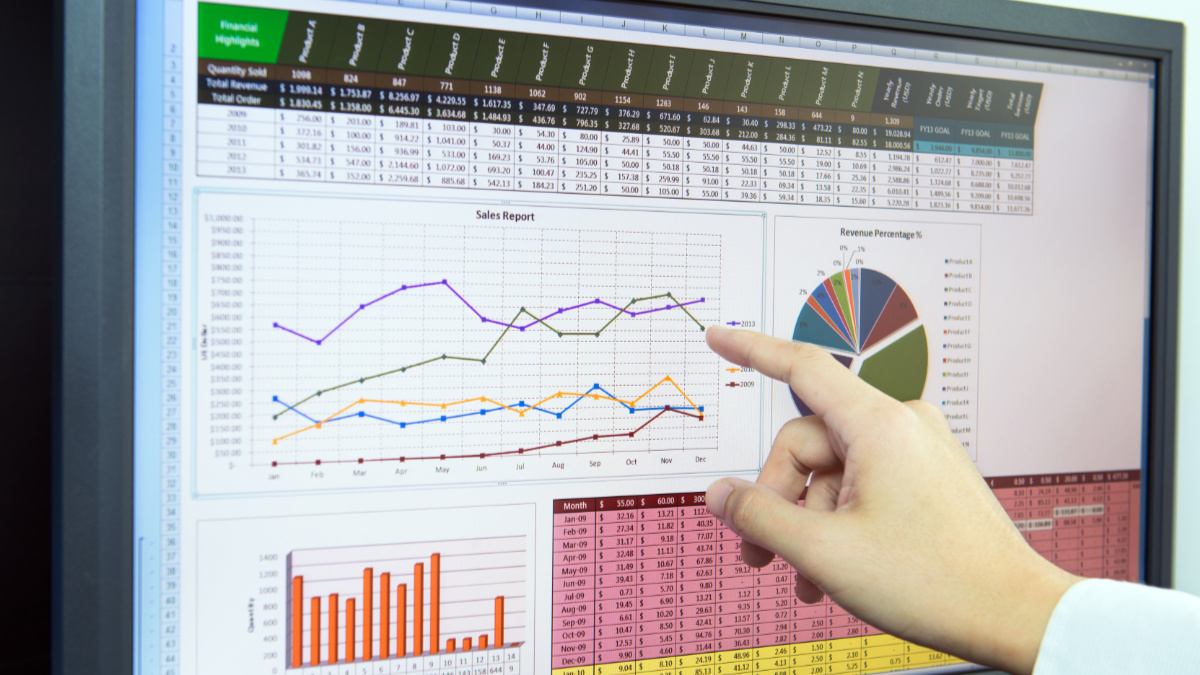
This course is delivered over 1 full-day at our training centre in Twigworth. Building on the regular user’s skills, this course will demonstrate use of macros, merging of data with existing databases, complex questioning styles and data mapping. Designed for the high level user who wants to design custom interfaces and act as an administrator for other colleagues, this course will release the enormous potential of Excel.
Want to run this event in-house? Enquire about running this event in-house
Description
Course Outline:
After this course delegates will be able to:
-
IF with AND and OR and IFS
-
VLOOKUP vs XLOOKUP vs FILTER
-
Formatting hours and minutes beyond 24 hours
-
MONTH and TEXT
-
Advanced Filter within worksheet and to separate worksheet
-
SUBTOTAL and OUTLINE
-
CONCATENATE AND &
-
Extracting characters from cells i.e. FIND, LEFT, MID RIGHT, LEN
-
PV, FV and Goal Seek
-
Scenario Manager
-
CONSOLIDATE
-
Data Validation
-
Pivot Tables and Pivot Charts with Slicers
-
Macros and Macro Editing in VBA: adding icons to QAT and button to sheet
-
Get and Transform
-
Protecting Worksheet and Workbook
-
Compare Data between worksheets and workbooks using Conditional Format, IF formula and Power Query
Why Should You Attend?
Excel is probably the most powerful programme in the Microsoft Office suite. It is also the most flexible and adaptable as its uses range from finance management to process performance to statistical analysis to data presentation and more. Excel really is a great piece of software and beneath the surface lies a whole range of tools, techniques, hints and tips, time-saving devices and ways of being more accurate that you can ever imagine. After this day, you will never look at Excel in the same way again!
Who Should Attend?
If you want to take your understanding of spreadsheets to the very highest levels and make the software do what you want it to do, then this is the course for you. You should be confident with the basic and intermediate functions of Excel, including data entry, working with multiple sheets, and equally as confident with the Windows interface.
Related Courses:
Understanding Organisational Finance
